Audit Management
Structured audit planning, execution, and corrective action tracking for construction compliance.
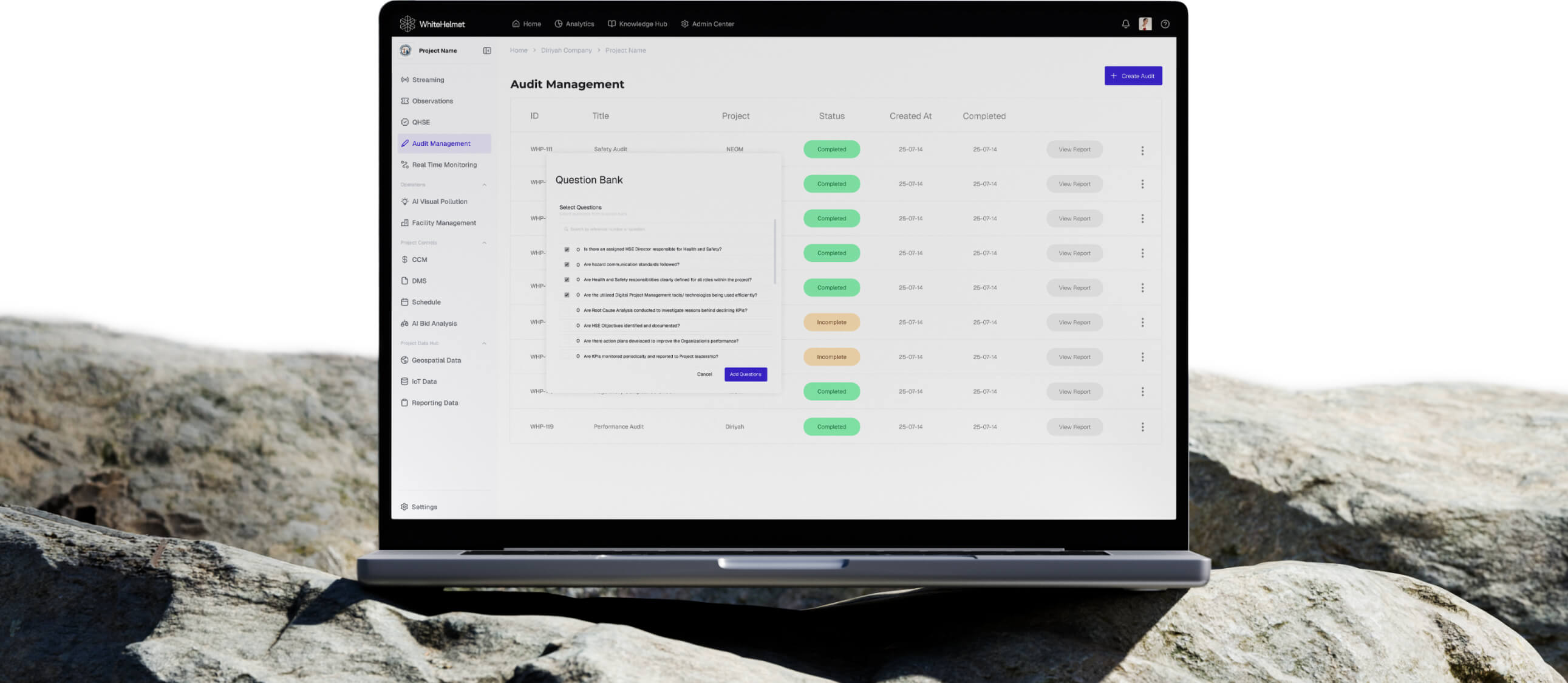
Audit with Confidence. Close Findings Faster.
Plan audits, execute with structured checklists, and track findings through corrective action closure. Audit Management provides a complete system for ISO, safety, environmental, and project-specific audits.
Audit Planning & Scheduling
Configurable Audit Checklists
Finding & CAR Management
Role-Based Access Control
Audit Reports & Analytics
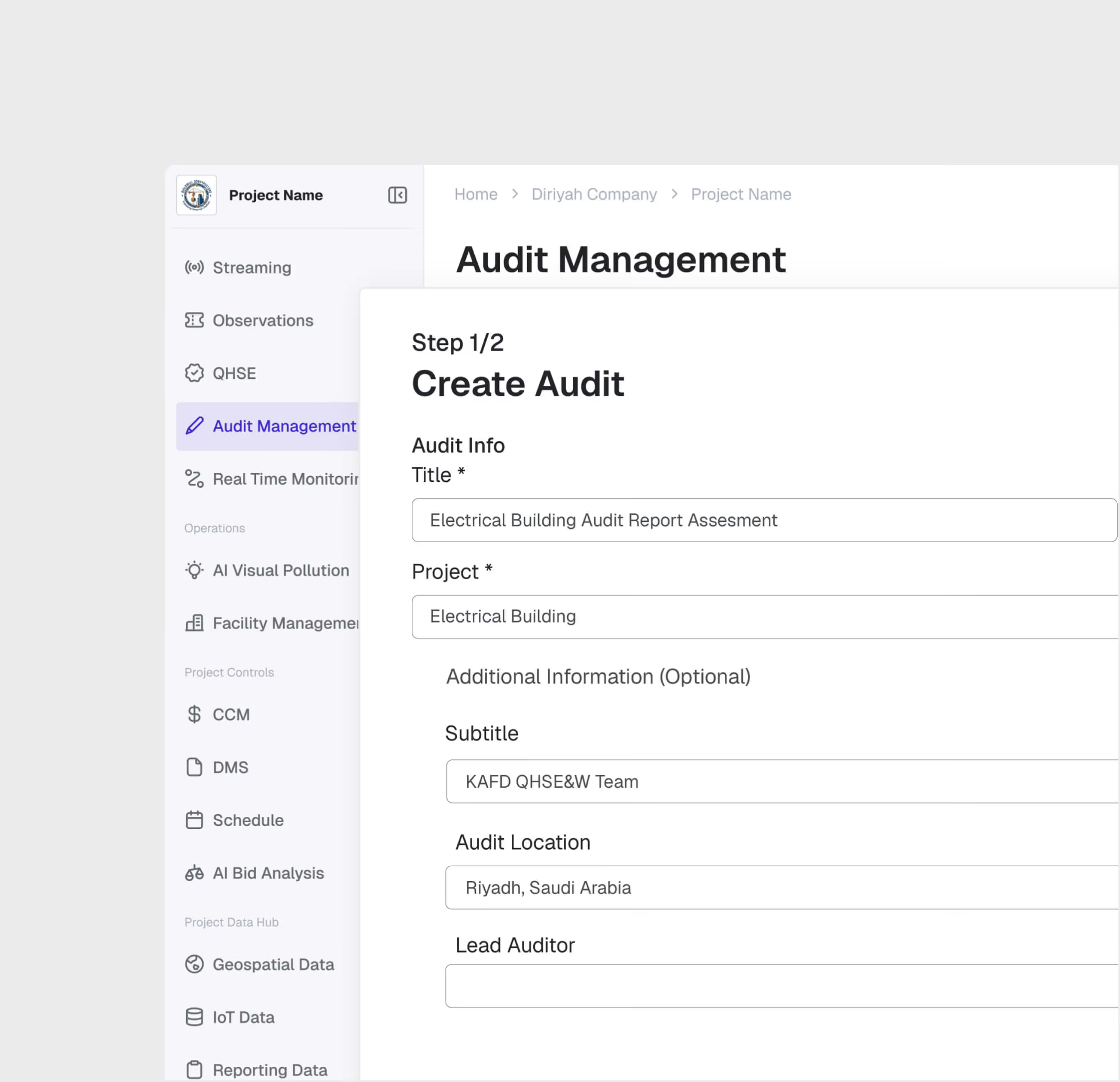
Audit Planning & Setup
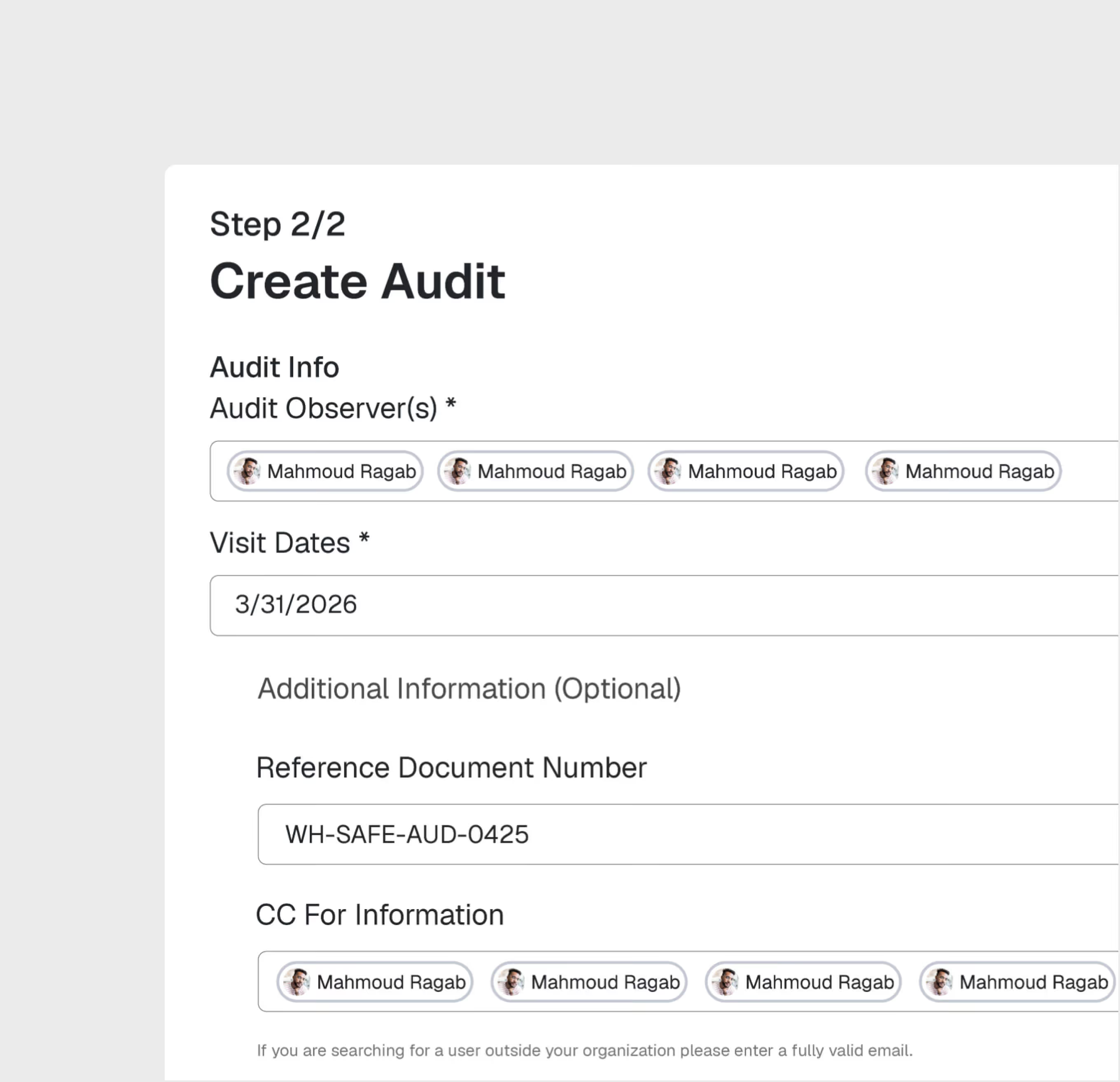
Plan audits by type (ISO, safety, environmental, project-specific), assign auditors, set schedules, and configure checklists tailored to each audit scope.
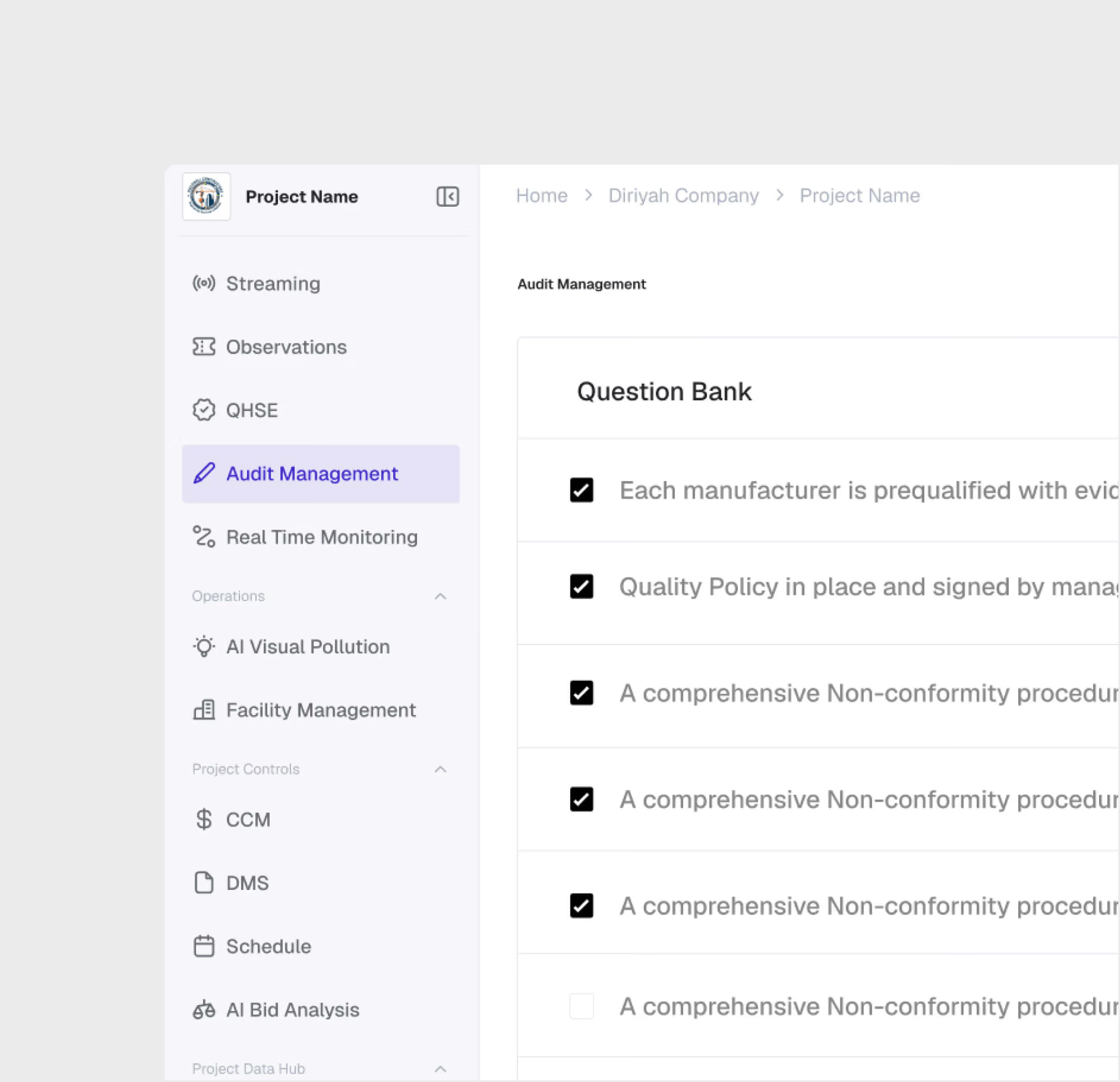
Structured Checklist Execution
Auditors execute inspections using configurable checklists with mandatory evidence requirements. Each item is scored with pass/fail/NA and supporting documentation.
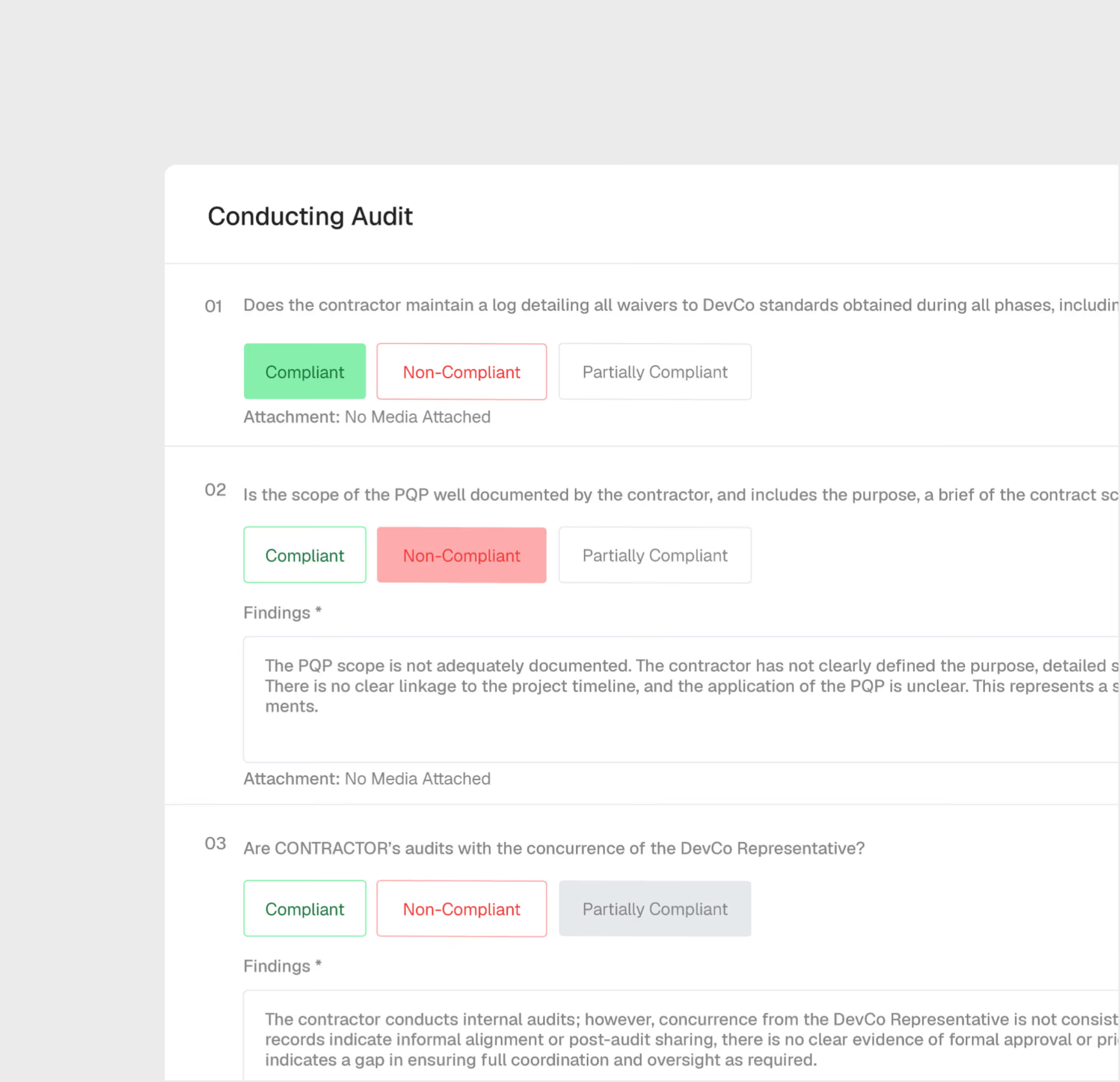
Finding Management & CARs
Log audit findings with severity levels, assign corrective action requests (CARs) to responsible parties, and track each finding through remediation and verification.
Role-Based Access
Control who can plan, execute, review, and close audits. Segregation of duties ensures audit integrity and prevents conflicts of interest.
Audit Analytics & Reporting
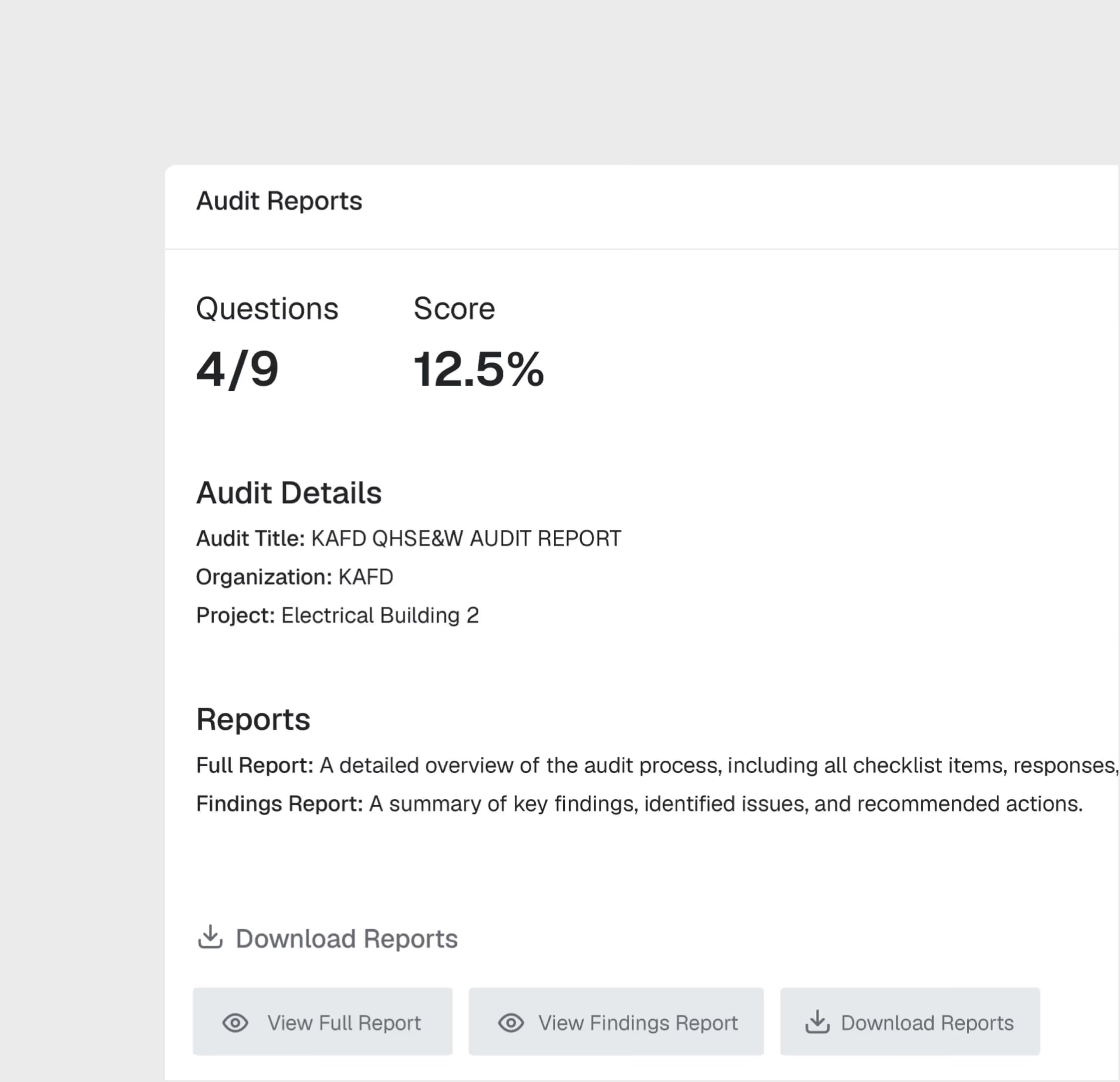
Track audit completion rates, finding trends, CAR closure times, and compliance scores. Generate management reports and certification-ready documentation.
Audit Management is most useful for:
Internal Auditors
Structured Audit Execution
Execute audits using digital checklists with evidence capture, score findings on-site, and generate reports automatically — replacing manual audit paperwork.
Compliance Managers
Certification Readiness
Track audit schedules, monitor CAR closure rates, and ensure the organization is always ready for external certification audits.
Project Directors
Compliance Oversight
Monitor audit health across projects — completion rates, open findings, overdue CARs — and address systemic compliance gaps.
"We passed our ISO 14001 recertification audit with zero major findings. The digital audit trail and CAR tracking system made preparation effortless."
.avif)
Frequently asked questions
Work packages are color-coded on the map by status — planned, in-progress, and completed — with drill-down access to percentage completion and contractor assignments. They are connected to the reporting engine.
Yes. GIS 2D integrates directly with Primavera P6, displaying activity dates, completion percentages, and dependencies on the spatial map.
GIS 2D supports DWG, DXF, and KML file formats for CAD and geospatial overlays, with file sizes up to 100 MB for CAD and 50 MB for KML.
Workflows are easily configured with multiple review/approval stages, role-based routing, and SLA timers. Documents advance through stages based on approver actions.
The DMS supports all standard construction file formats including PDF, DWG, DXF, DOC, XLS, images, BIM files, and more.
Yes. Models from Revit and AutoCAD can be uploaded directly. The platform also supports IFC for open-standard interoperability.
WhiteHelmet products Audit Management works well with

Field Intelligence
