
Live Virtual Visit
Real-time video site tours with screen sharing for remote stakeholder engagement.
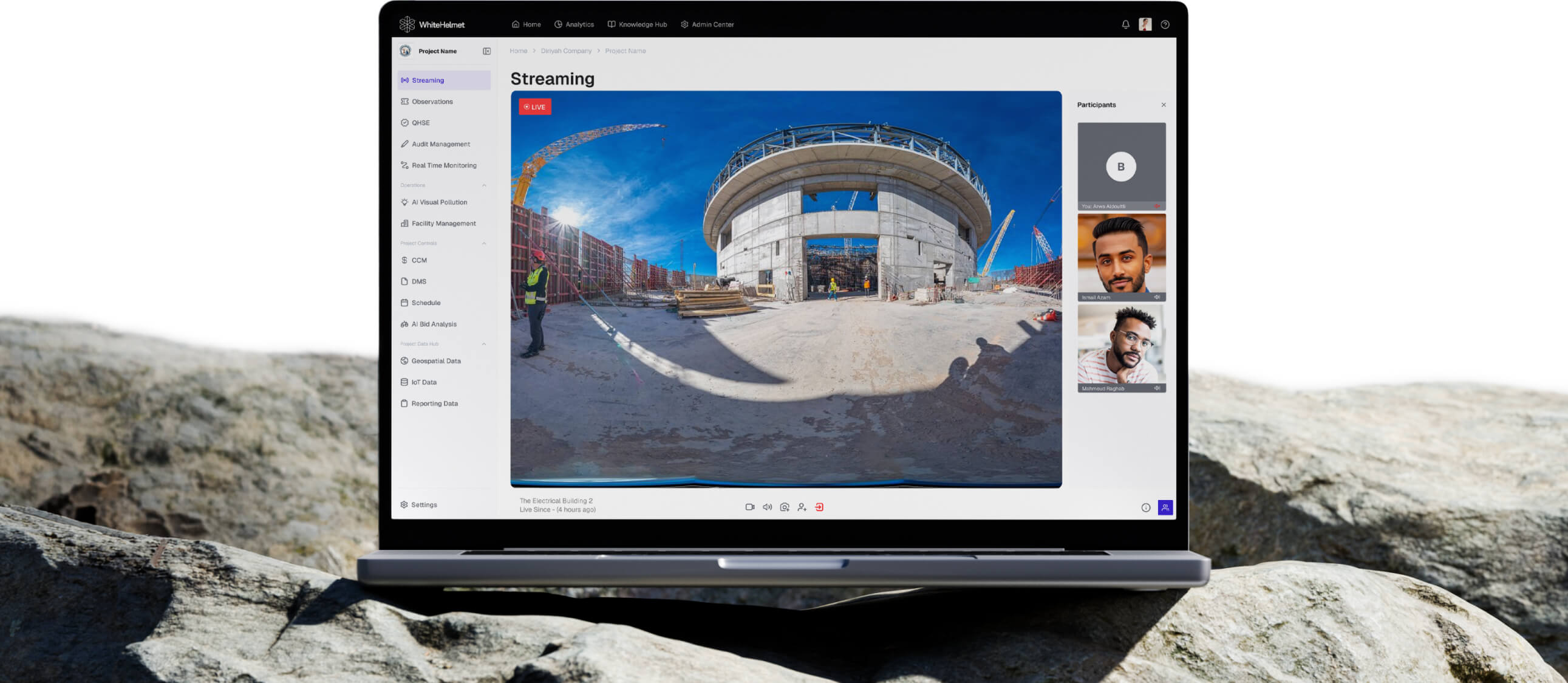
Visit Any Site. From Anywhere. In Real Time.
Conduct live video tours of your construction site for remote stakeholders. Live Virtual Visit enables real-time engagement, screen sharing across stakeholders, and on-the-spot decision making — without anyone needing to travel.
Live Video Site Tours
Screen Sharing
Multi-Participant Sessions
Session Recording & Playback
Real-Time Collaboration
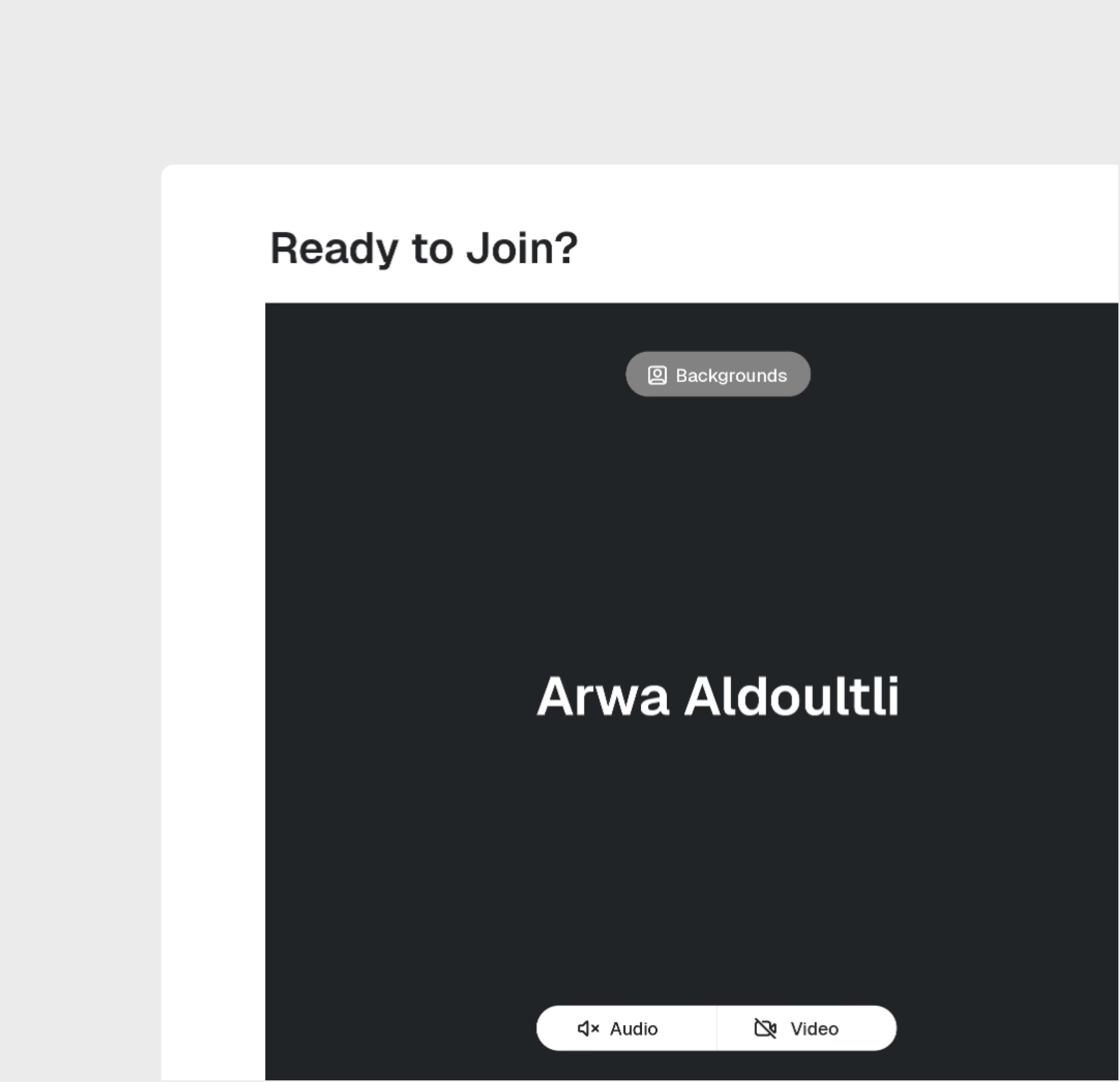
Live Video Streaming
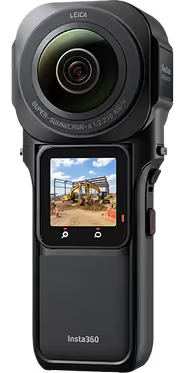
Stream live video from the construction site to remote stakeholders. Walk the site with your camera while participants view, ask questions, and provide direction in real time.
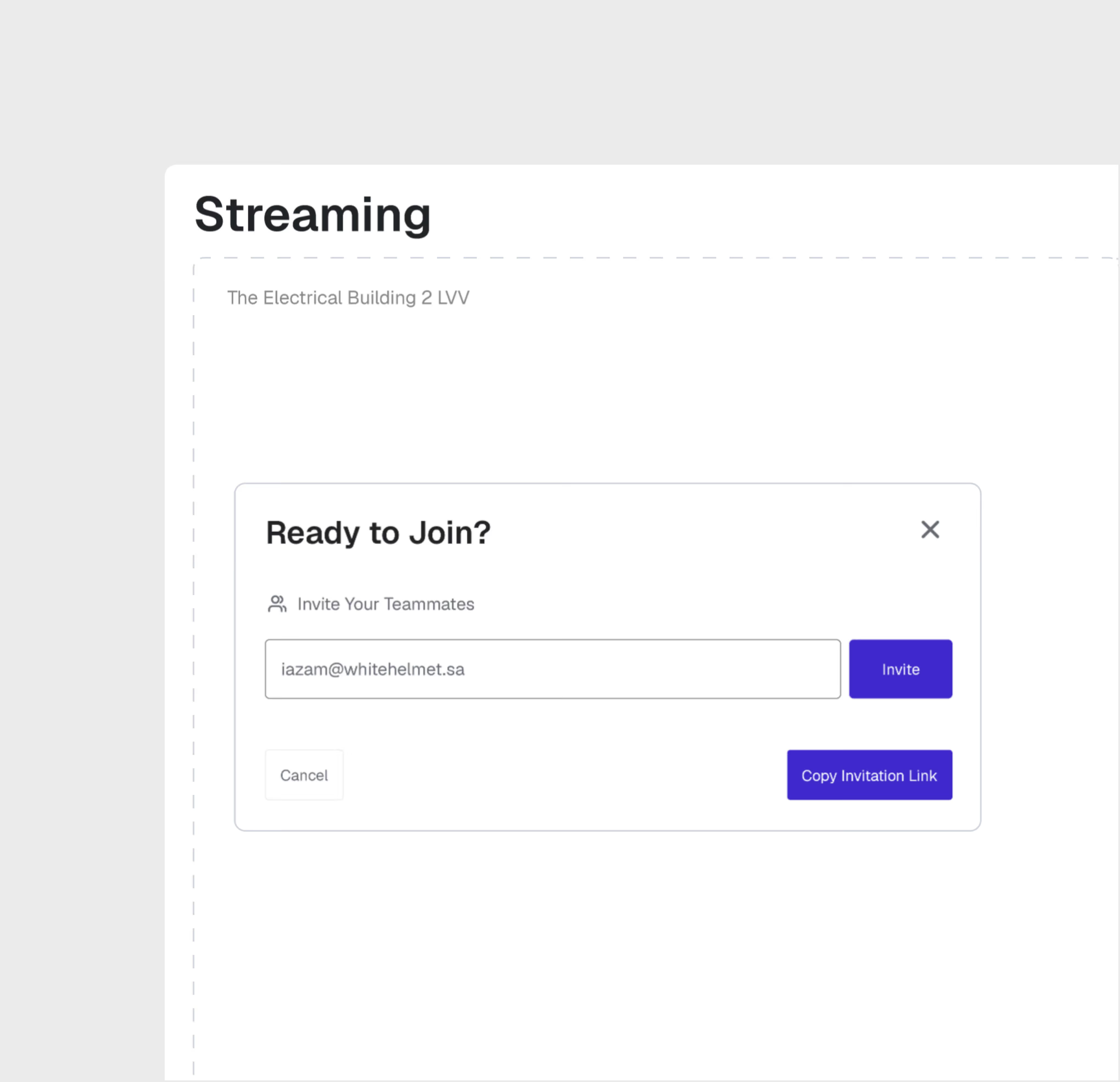
Multi-Participant Sessions
Invite multiple stakeholders to join the same live session. Project owners, consultants, and remote team members all participate simultaneously from anywhere in the world.
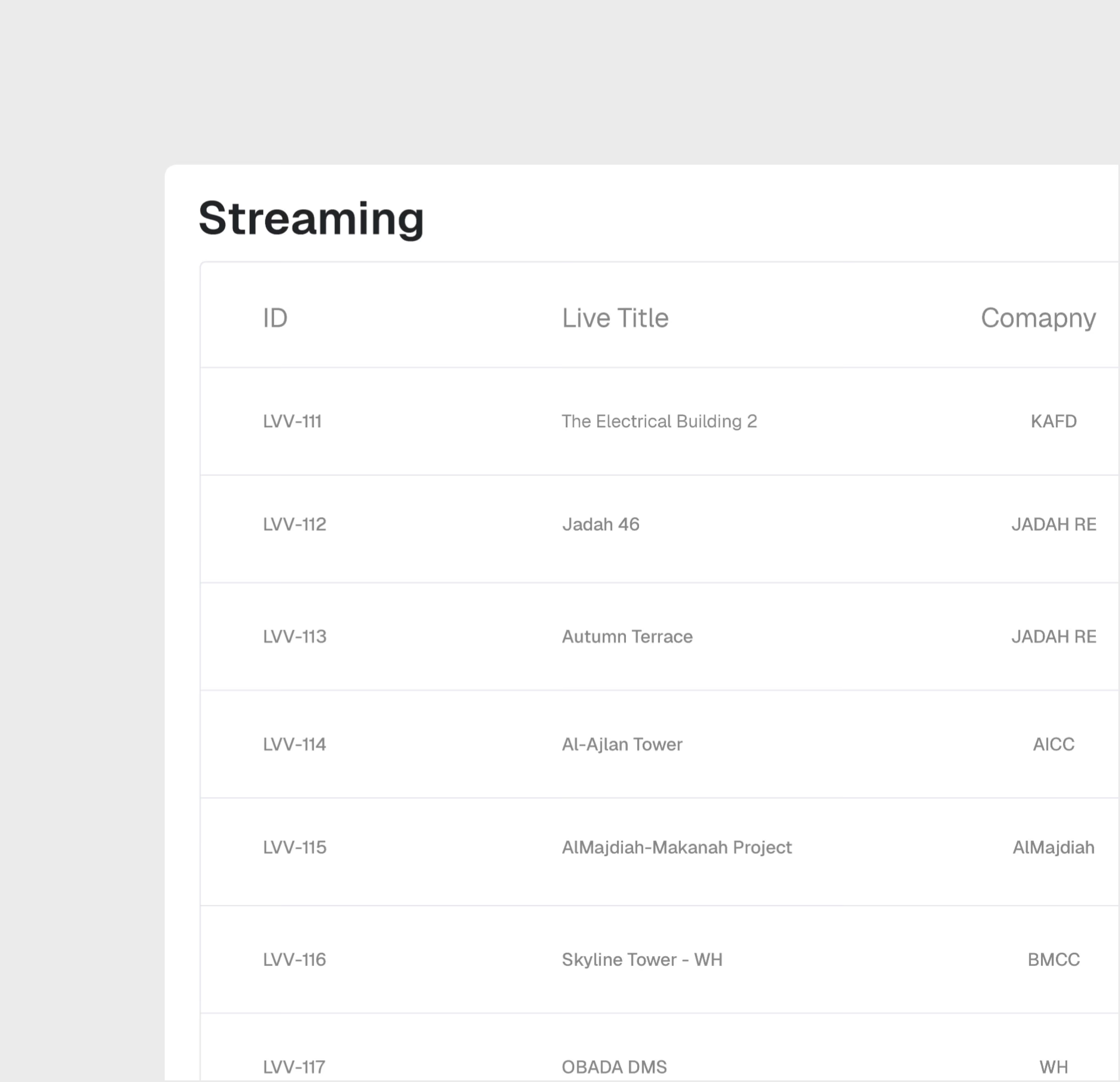
Session Recording
Record live sessions for future reference, compliance documentation, and sharing with stakeholders who couldn't attend. Build a video record of project milestones.
Live Virtual Visit is most useful for:
Project Owners
Remote Site Oversight
Inspect your construction site live from anywhere in the world, ask questions in real time, and make decisions without the time and cost of physical travel.
Consultants
Remote Inspection Support
Conduct remote inspections, review progress against plans, and provide technical guidance during live site walkthroughs without mobilizing to site.
Project Managers
Stakeholder Engagement
Host live site tours for investors, regulators, and executive leadership — combining on-site video with dashboard data for comprehensive project updates.
"During Hajj Season, Live Virtual Visit was tremendously helpful in seeing the site conditions without having to step foot in the crowds, giving our executive team across buildings immediate decision making power."

Frequently asked questions
Yes. Pin dashboards to the AI Reporting section for ongoing access. Export as PDF, CSV, or Excel for distribution.
No. Ask questions in plain language and the AI generates appropriate visualizations. The interface is designed for project professionals, not data scientists.
Upload Excel (XLSX, XLS) and CSV files. The AI automatically parses column headers and data types for analysis.
Each finding is logged with clause references, severity, and suggested remediation. You can track resolution status through the analysis history.
A typical 100-page document set can be analyzed in 1-2 hours, compared to 4-8 weeks for manual review.
No. The AI provides a compliance pre-screening tool to accelerate human review. Final compliance determinations should be validated by qualified professionals.
WhiteHelmet products Live Virtual Visit works well with

Field Intelligence

Project Management Intelligence
Tools that work alongside this product

WhiteHelmet Applications are available in both Google Play and App Store.