
Cost & Commercial Management (CCM)
One module for cost, EVM, schedule, stage gates, field and reporting, and AI-assisted onboarding gets you live in days, not months.
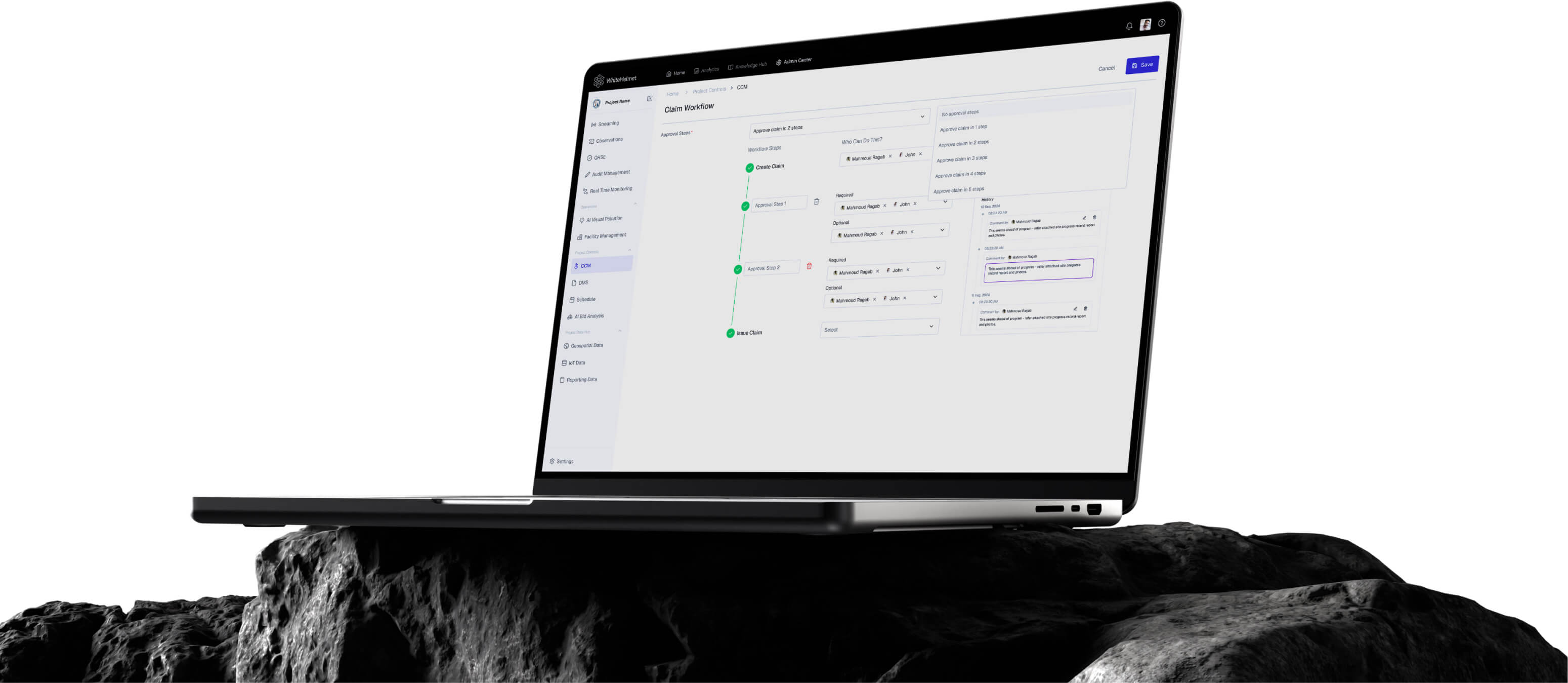
Master Your Costs. Govern Your Project.
Enterprise commercial management with real-time cost and schedule tracking. Manage your project’s cost, risks, schedule, stage gates, field and reporting across in one module.
EVM & Performance
Schedule Studio (P6 Parity)
Budget-to-Certificate Ledger
CPM Scheduling
Dynamic Reporting & Briefs
Stage Gates + DoA
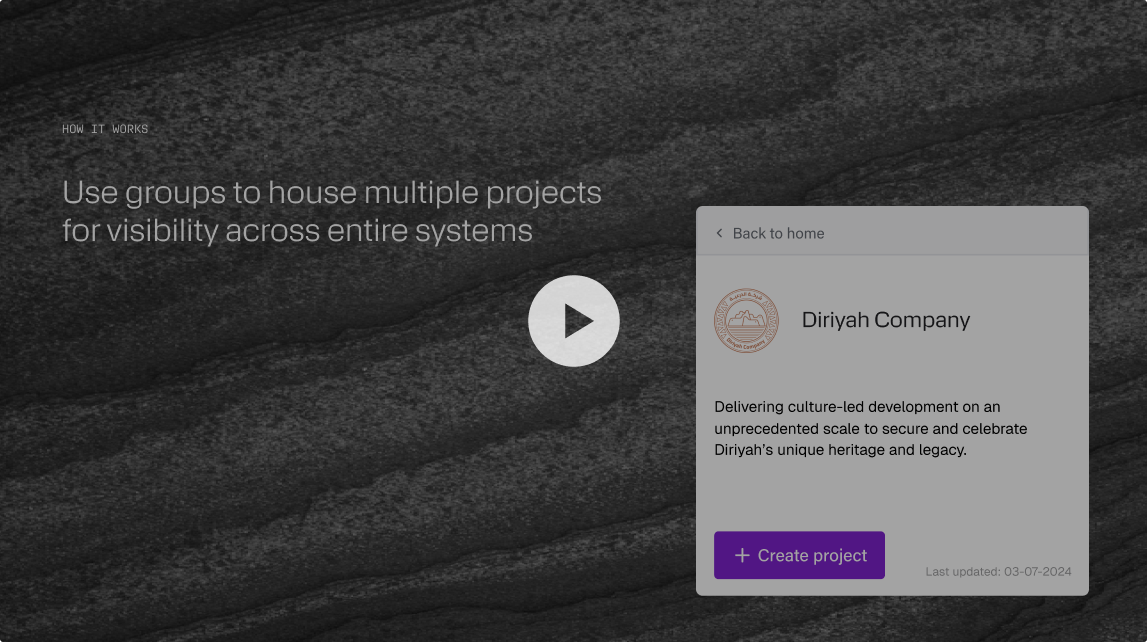
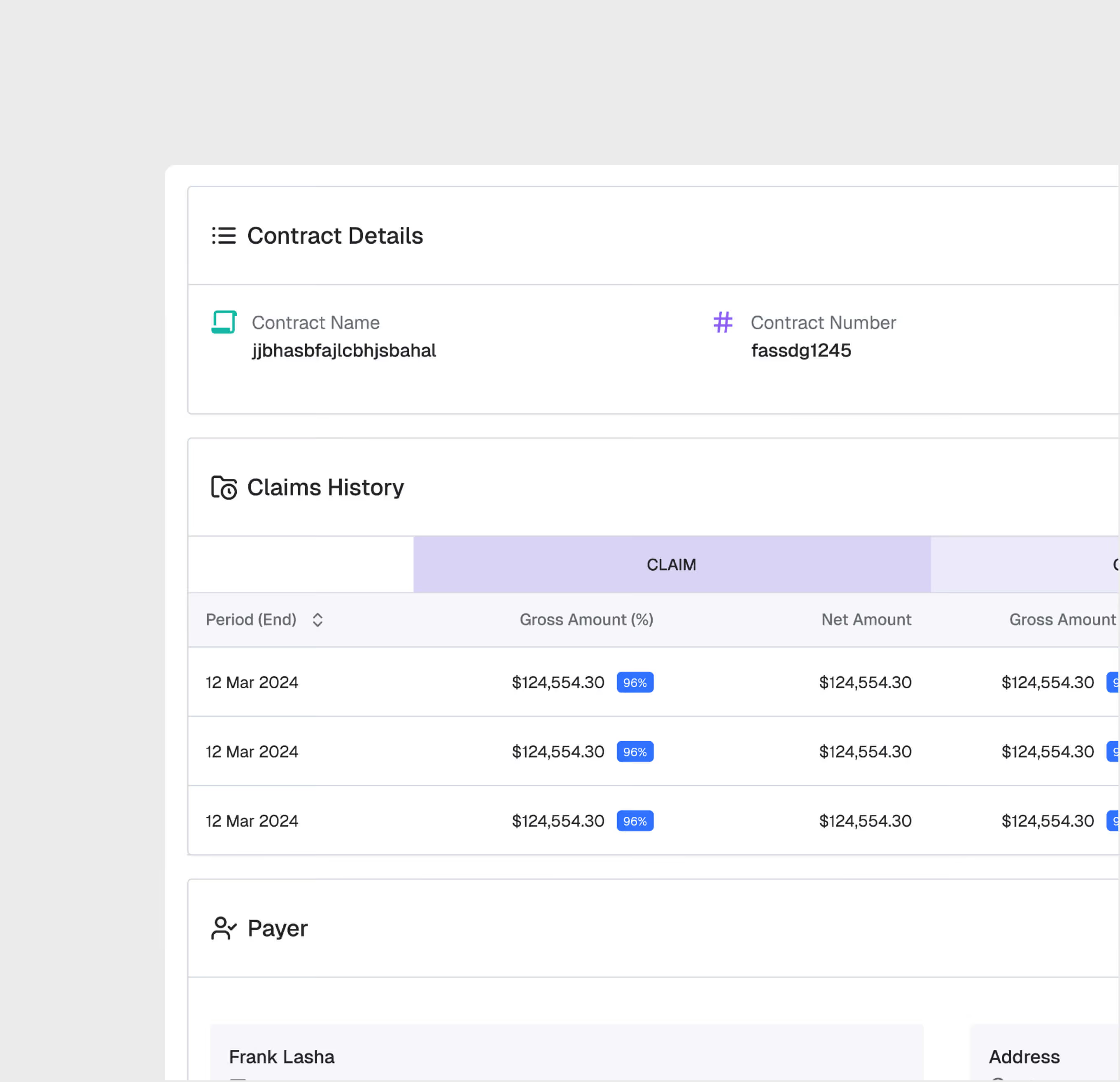
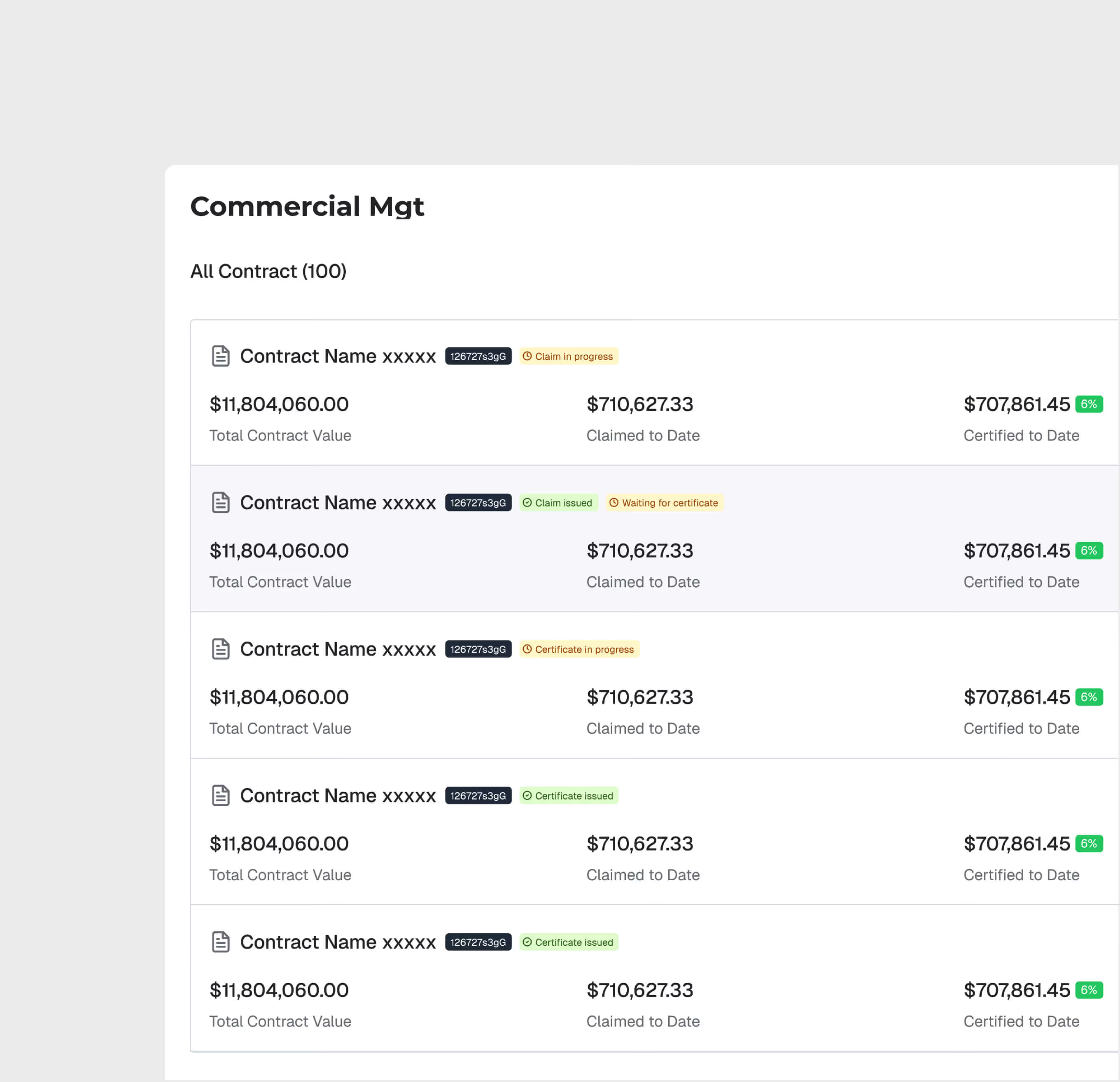
Contract Setup & Administration
Create and manage contracts with structured data — contract value, milestones, variations, retention, and key dates.
Claims Processing Workflow
Submit, review, and approve claims through a structured workflow. Track claim status, supporting documentation, and approval chains for full commercial transparency.
.avif)
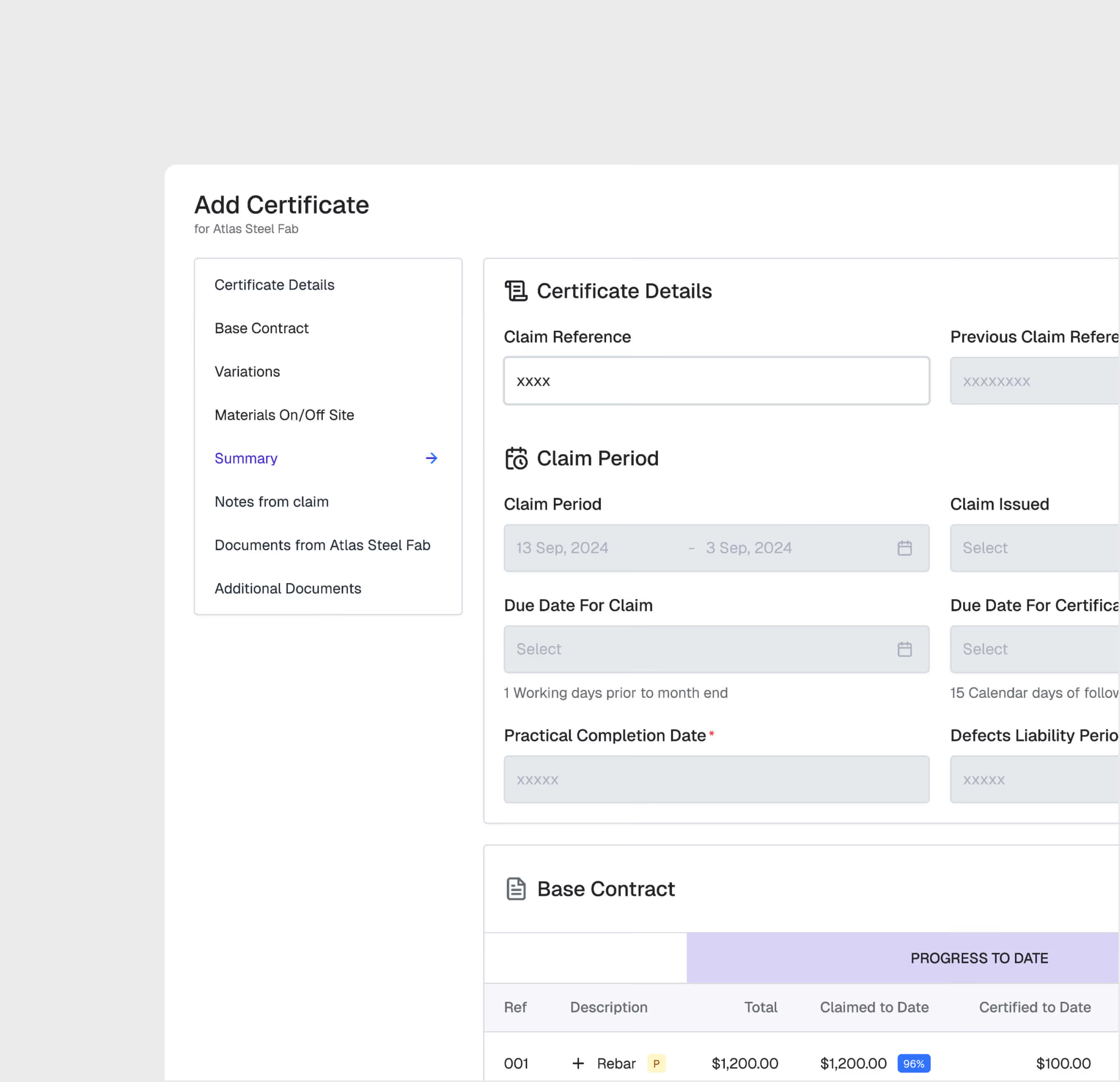
Certified Payment Management
Generate and track interim payment certificates tied to contract milestones. Automate certified-to-date calculations and manage retention and release schedules.
Financial Dashboard
View the financial health of each contract — original value, approved variations, claims, certified payments, and outstanding amounts — all in a real-time dashboard.
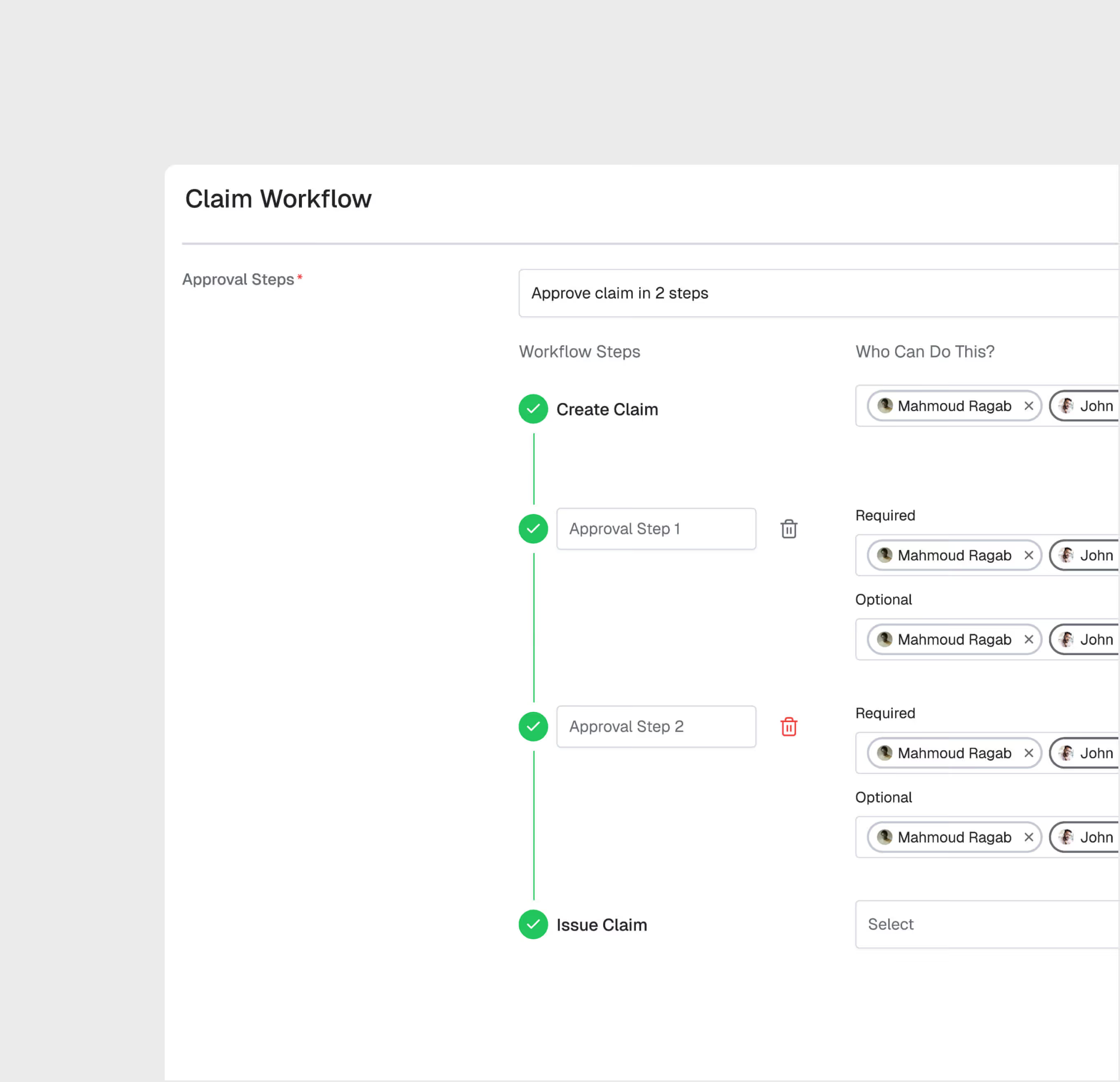
Multi-Level Approval Chains
Configure approval hierarchies by value threshold. Small claims may need one approval; large variations may require multiple levels up to senior management.
Cost & Commercial Management (CCM) is most useful for:
Commercial Managers
Contract Administration
Manage the full commercial lifecycle of construction contracts — from setup through variations, claims, and final account — in a structured, auditable system.
PMO Quantity Surveyors
Claims and Valuations
Prepare and submit claims with supporting documentation, track valuation progress, and manage certified payment calculations efficiently.
Finance Directors
Payment Oversight
Monitor payment certification across all contracts, track outstanding claims, and manage cash flow projections based on real-time contract data.
"Claim processing time went from 45 days to 12 days. Contractors are happier because they get paid faster, and we have full visibility into our commercial exposure."
.avif)
Frequently asked questions
Work packages are color-coded on the map by status — planned, in-progress, and completed — with drill-down access to percentage completion and contractor assignments. They are connected to the reporting engine.
Yes. GIS 2D integrates directly with Primavera P6, displaying activity dates, completion percentages, and dependencies on the spatial map.
GIS 2D supports DWG, DXF, and KML file formats for CAD and geospatial overlays, with file sizes up to 100 MB for CAD and 50 MB for KML.
Workflows are easily configured with multiple review/approval stages, role-based routing, and SLA timers. Documents advance through stages based on approver actions.
The DMS supports all standard construction file formats including PDF, DWG, DXF, DOC, XLS, images, BIM files, and more.
Yes. Models from Revit and AutoCAD can be uploaded directly. The platform also supports IFC for open-standard interoperability.
WhiteHelmet products Cost & Commercial Management (CCM) works well with

Field Intelligence
