AI Design Analysis
AI-powered design evaluation that analyzes drawings against project standards in minutes.
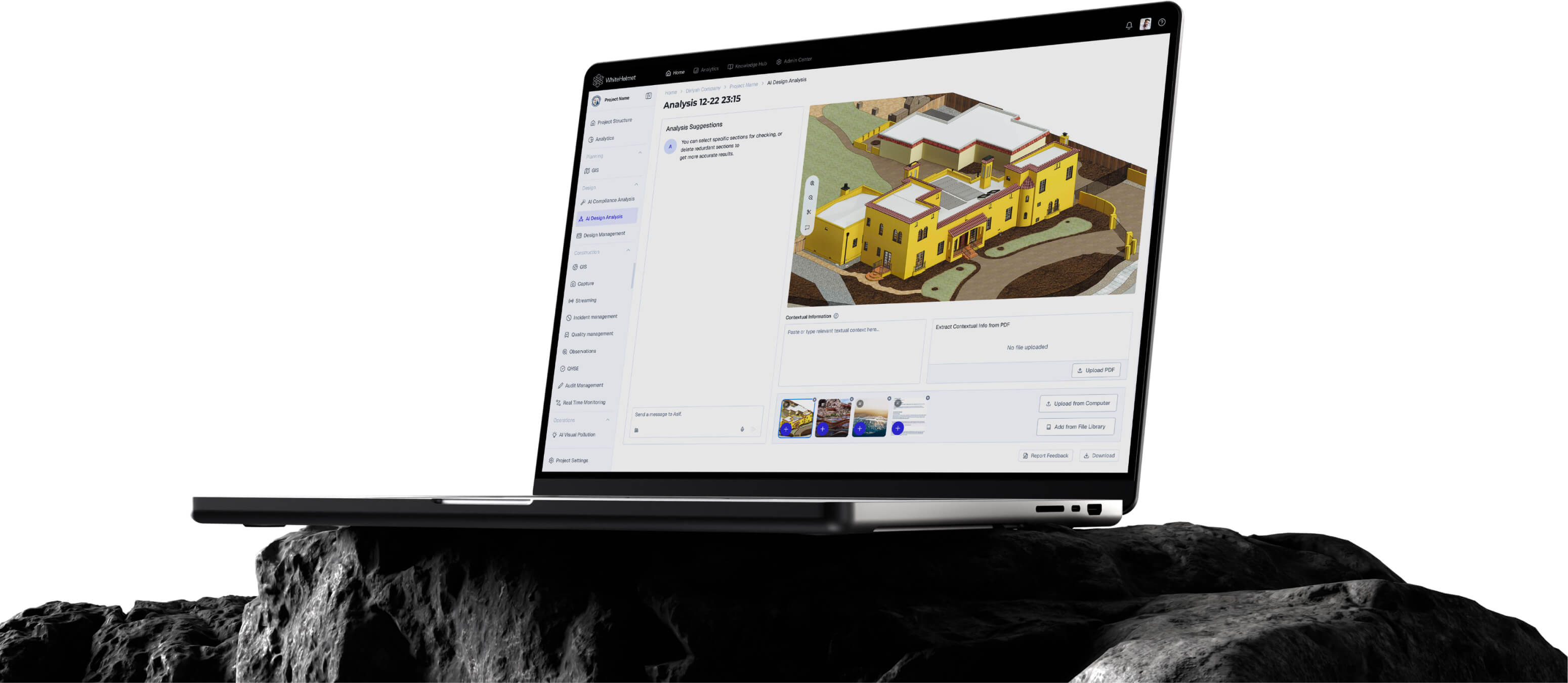
AI That Reviews Your Designs in Minutes.
Upload design documents and get instant AI evaluation against your project standards and knowledge base. AI Design Analysis catches compliance gaps, missing elements, and design inconsistencies that manual reviews miss.
AI-Powered Design Scoring
Standard Compliance Checking
Knowledge Base Integration
Automated Gap Detection
Detailed Analysis Reports
AI Design Evaluation Engine
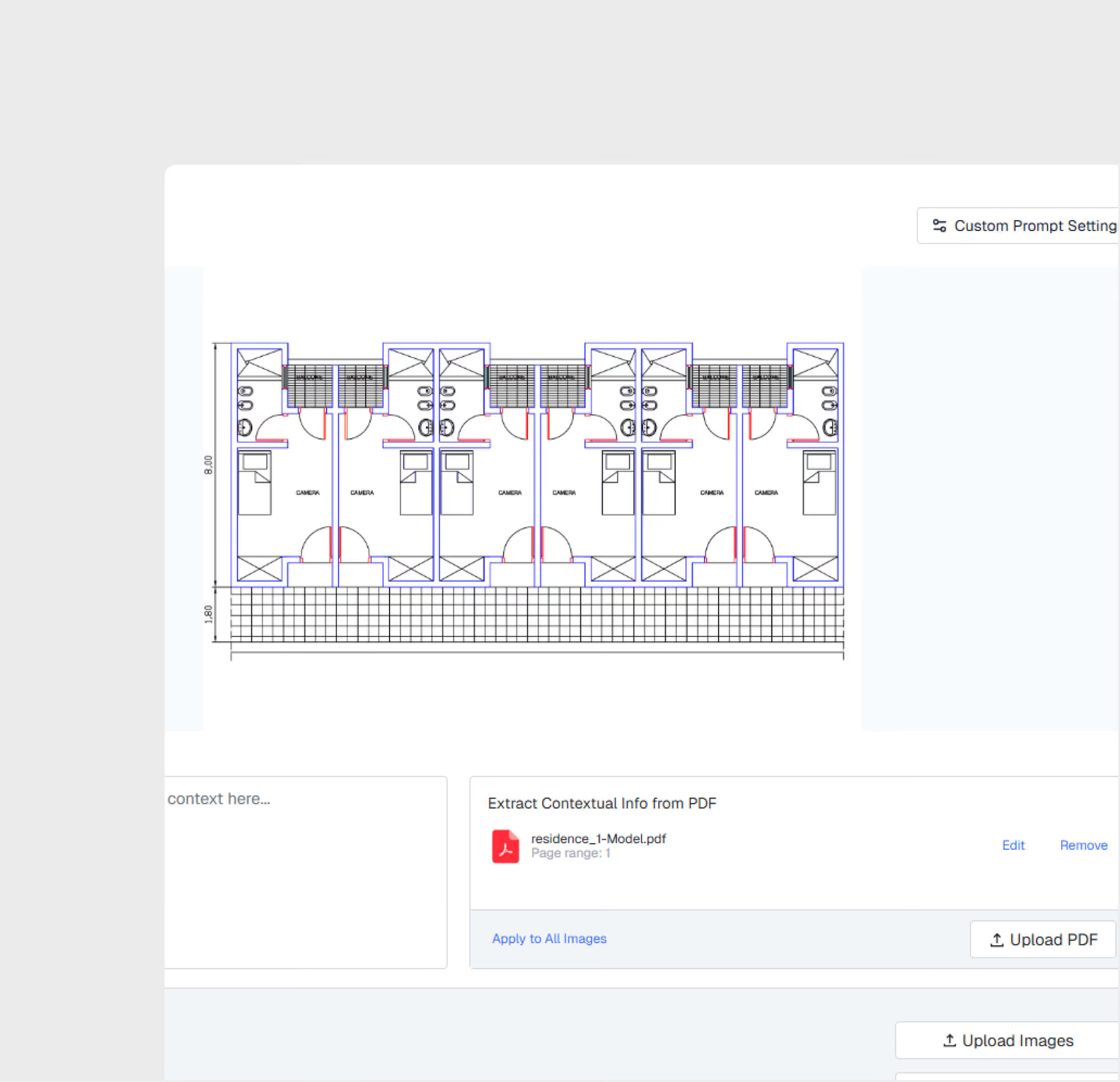
Upload design documents and receive AI-generated scores based on compliance with project standards, specifications, and best practices — reducing manual review time by up to 70%.
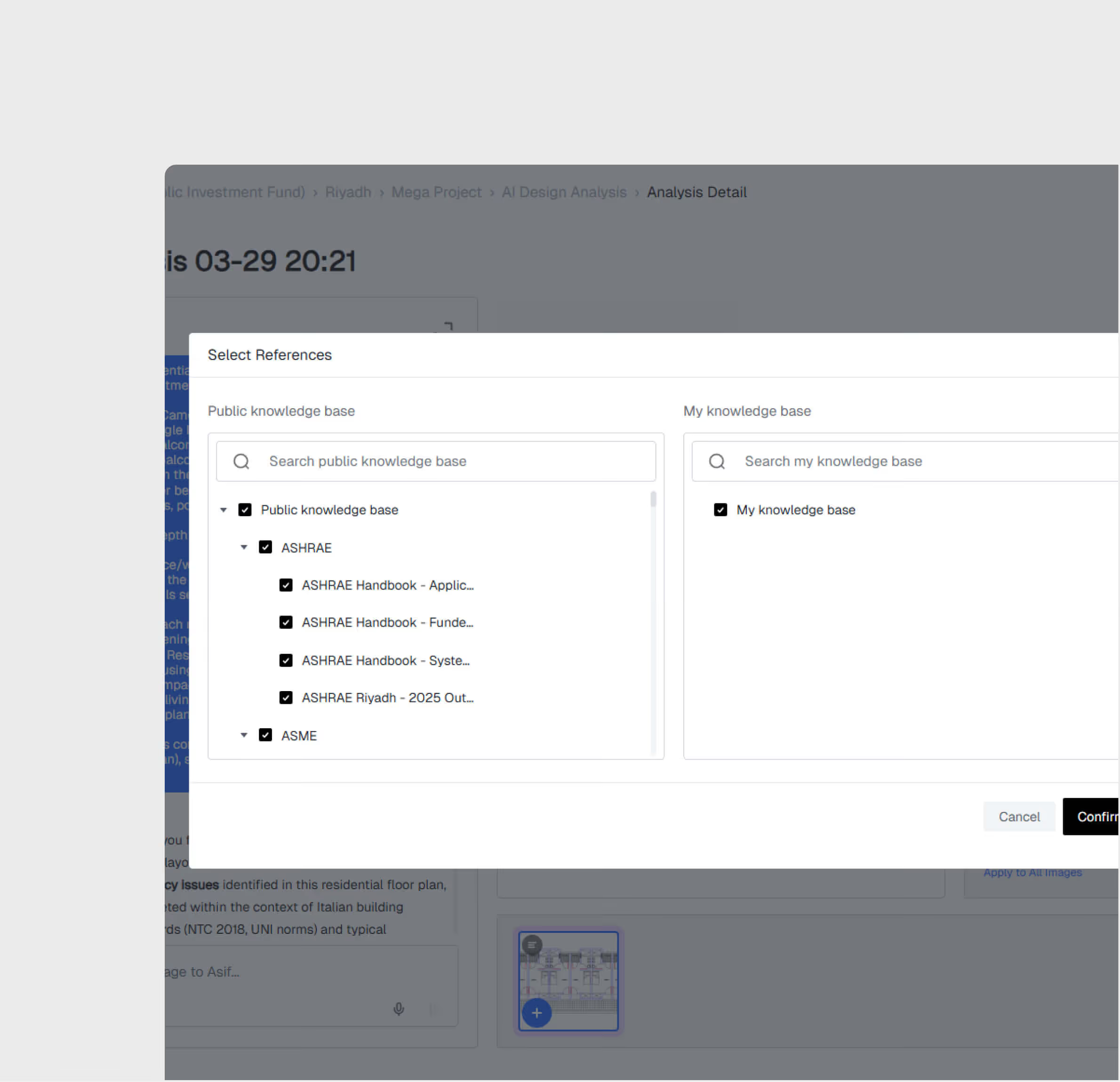
Knowledge Base-Driven Analysis
Connect your project knowledge base so the AI evaluates designs against your specific standards, not generic rules. The more context you provide, the sharper the analysis.
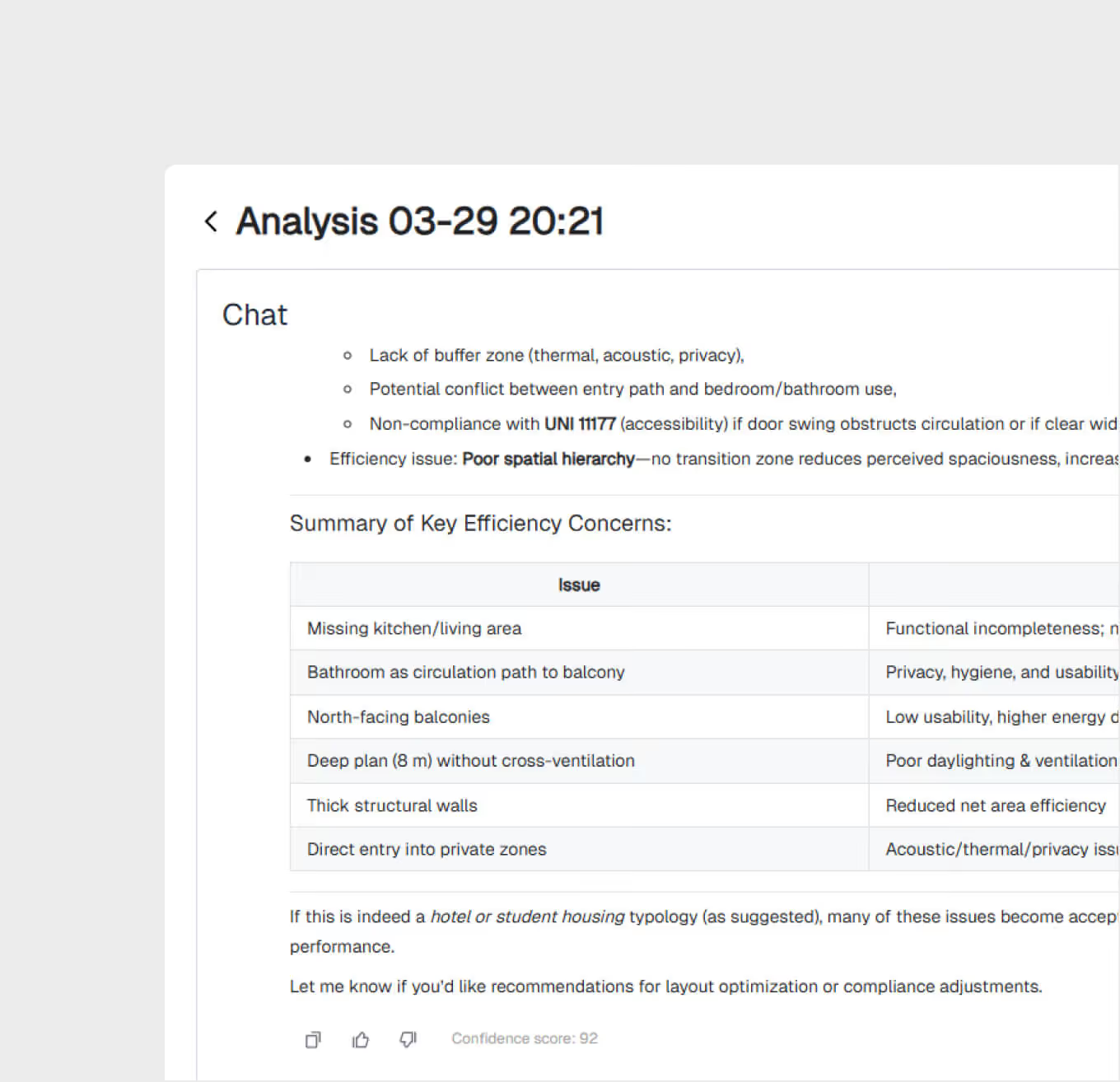
Interactive AI Chat
Ask follow-up questions about the analysis results through Asif Chat. Drill into specific findings, request clarifications, or ask for design improvement suggestions.
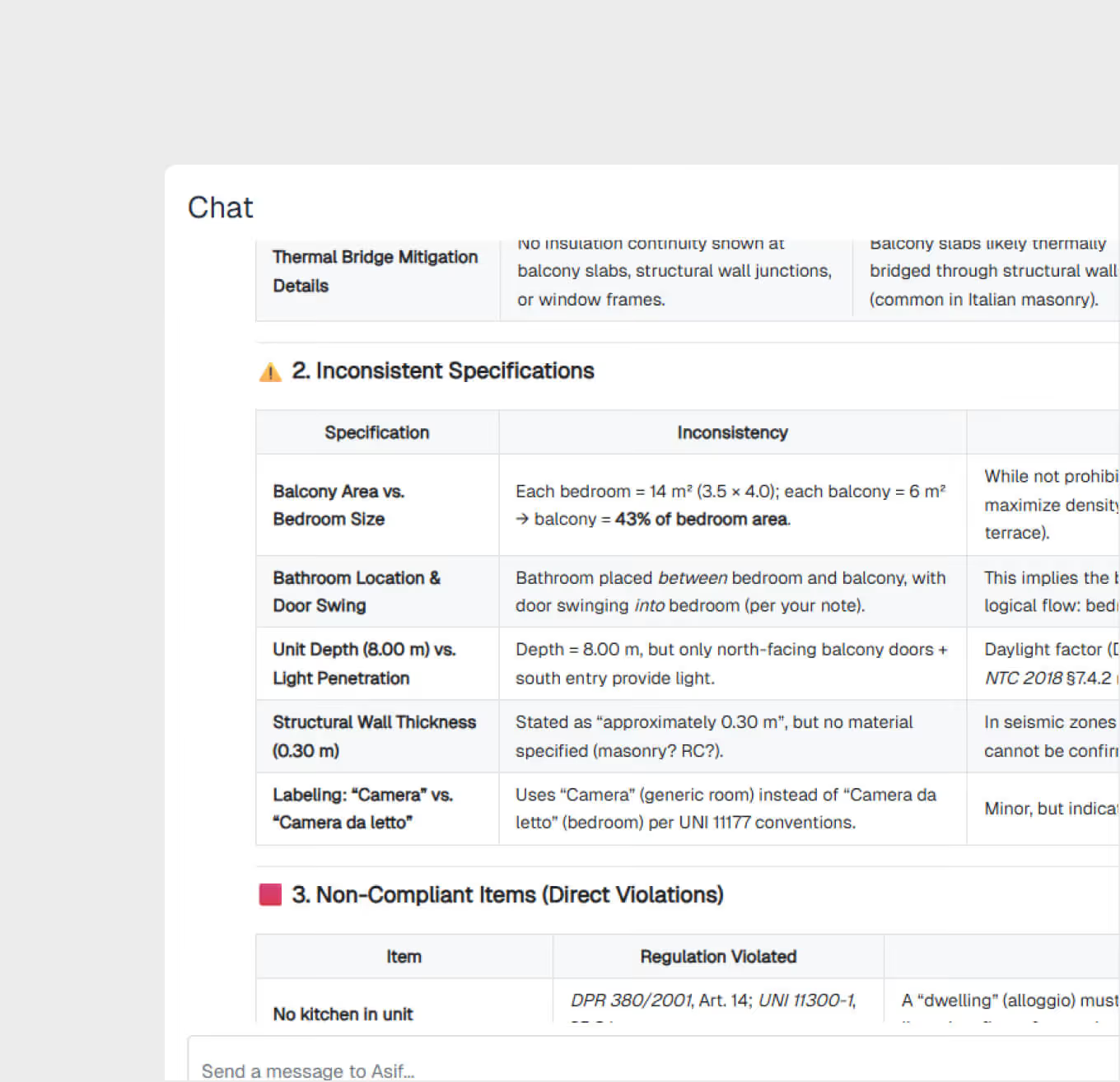
Automated Gap Detection
The AI identifies missing elements, inconsistent specifications, and non-compliant items across uploaded drawings — flagging issues that human reviewers often overlook under time pressure.
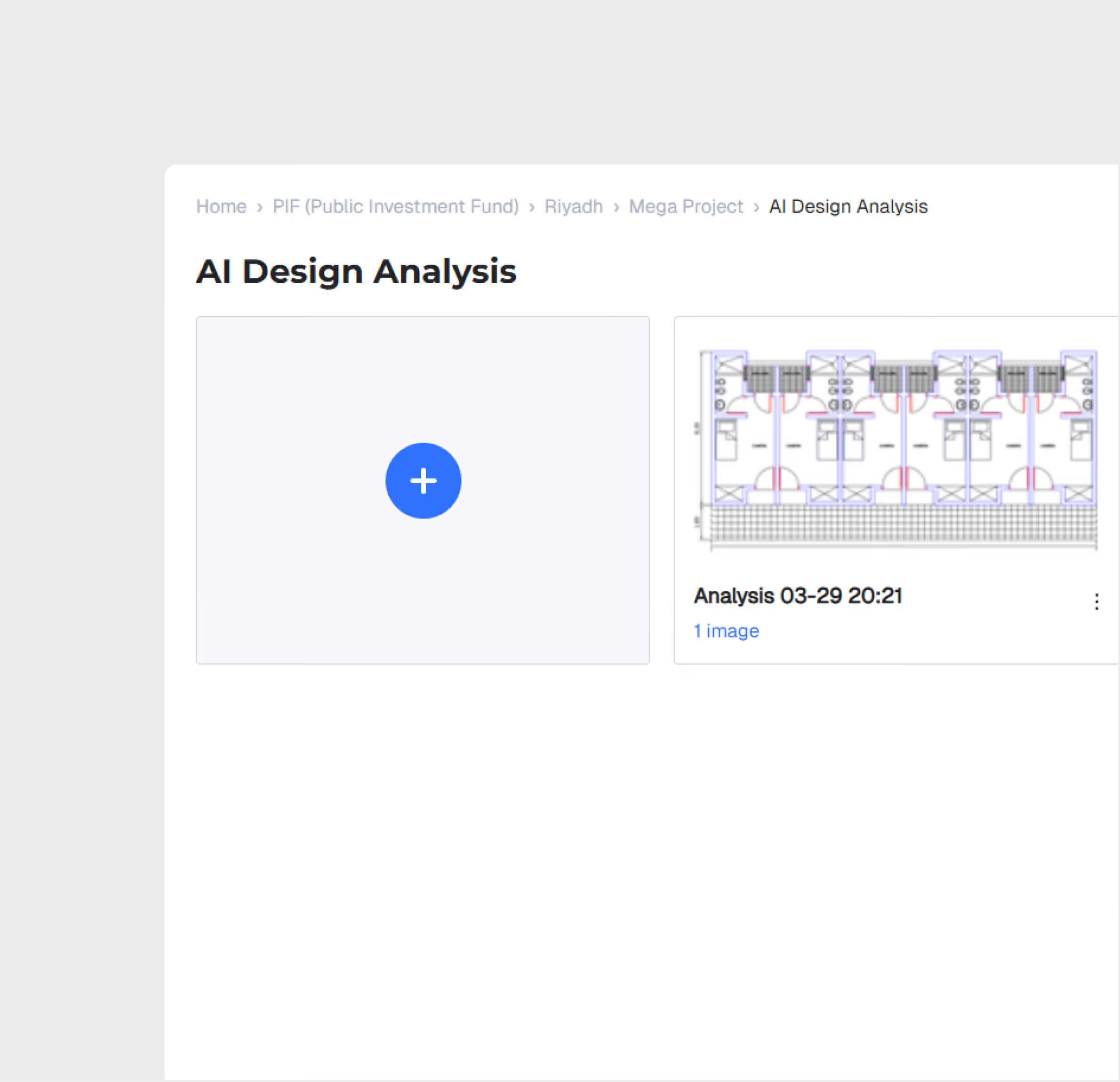
Analysis History & Traceability
Every analysis is logged with full traceability — input documents, evaluation criteria, results, and any corrections. Build an audit trail of design quality decisions.
AI Design Analysis is most useful for:
Design Reviewers
Accelerated Design Review
Cut design review time from days to hours with AI that pre-screens drawings against project standards and highlights areas requiring attention.
Quality Engineers
Standards Compliance Verification
Verify that designs meet project specifications and regulatory requirements before they advance to construction — with documented evidence.
Project Managers
Risk Reduction in Design Phase
Reduce the risk of costly rework by catching design issues early, when changes are inexpensive compared to field modifications.
"AI Design Analysis helped us reduce our design review time by 50%. We used to spend 8 hours per submittal. Now we spend 4 hours per submittal."
.avif)
Frequently asked questions
Yes. All geo-tagged incidents are displayed on the GIS map, enabling spatial analysis of incident patterns and high-risk zone identification.
GIS 3D supports IFC and RVT for BIM models, LAS/LAZ for point clouds, and standard image formats for drone orthomosaics and aerial imagery.
Yes. GIS 2D and GIS 3D share the same geospatial foundation. You can switch between 2D planning views and 3D visualization views seamlessly.
When an incident is logged, the user selects the appropriate SOP-based workflow based on incident type and severity, guiding investigators through each required step.
WhiteHelmet products AI Design Analysis works well with

Field Intelligence
